For anyone evaluating a 3d ai maker, this review offers a practical comparison of Meshy and SupaVoxel, focusing on the files, download time, storage footprint, and credit usage behind one knight asset.
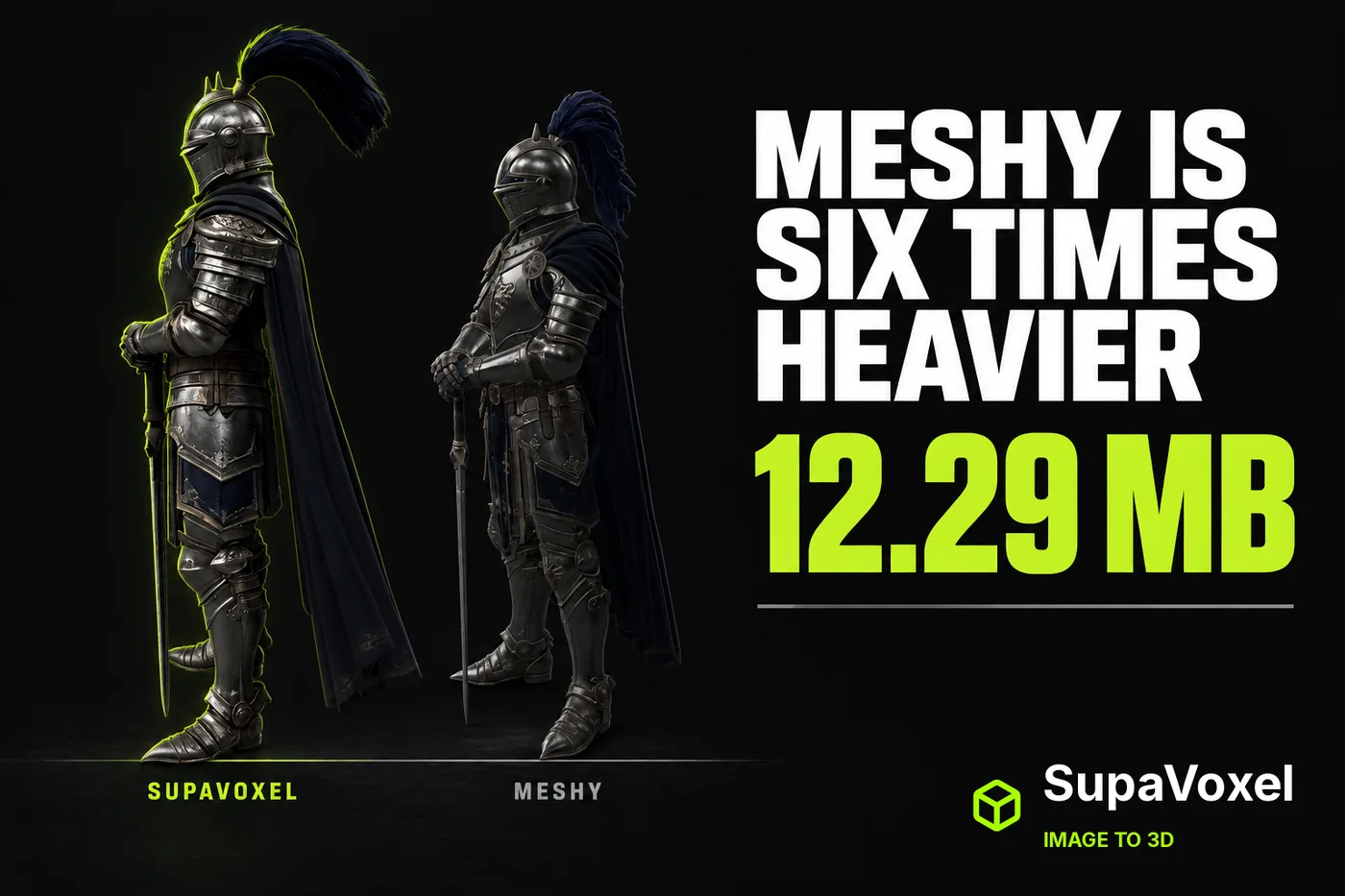
Independent review. I ran both tools on my own accounts, free and paid, with no vendor-provided access or early access of any kind.
Your game needs a knight. Then it needs eleven more.
That's the moment image-to-3D stops being a toy and starts being a line item — storage, bandwidth, and a credit balance that drains while you watch.
I asked around about which tool to use. The same two names kept coming up: Meshy and SupaVoxel. So I ran one knight illustration through both, downloaded both files, and weighed what came out.
My verdict in 60 seconds — Meshy 57/100, SupaVoxel 91/100.
Those scores are my call on this one job, not a measurement. Here's what's behind them.
- File you download — Meshy 74,160,184 bytes vs SupaVoxel 12,287,608 · Meshy 3/10 · SupaVoxel 9/10 — Meshy bills your storage and everyone's bandwidth 61,872,576 extra bytes for one knight; SupaVoxel delivers the same character at one-sixth the weight.
- Waiting on a 12 Mbps line — Meshy 49.44 s vs SupaVoxel 8.19 s · Meshy 4/10 · SupaVoxel 9/10 — Meshy costs 41 seconds of dead time on every pull; SupaVoxel is finished before anyone alt-tabs away.
- Waiting on fast office wifi — Meshy 5.93 s vs SupaVoxel 0.98 s · Meshy 5/10 · SupaVoxel 9/10 — Meshy still takes six times longer even where bandwidth hides it; SupaVoxel lands in under a second.
- A hundred knights on disk — Meshy 7.42 GB vs SupaVoxel 1.23 GB · Meshy 4/10 · SupaVoxel 9/10 — Meshy adds 6.19 GB to every repo, backup and clone of your roster; SupaVoxel keeps the same hundred characters inside 1.23 GB.
- Credits the run log recorded — Meshy 35 vs SupaVoxel 3 · Meshy 5/10 · SupaVoxel 5/10 — a forced tie: two different plans, two different units, so this row can't be scored across tools at all. Neither number converts into the other or into money.
- Time it took — Meshy not captured vs SupaVoxel 261.675 s · Meshy 5/10 · SupaVoxel 7/10 — Meshy's run left no duration you can audit; SupaVoxel logged 261.675 seconds you can hold it to.
- Things that broke — Meshy 0 failures vs SupaVoxel 0 failures · Meshy 8/10 · SupaVoxel 8/10 — a clean tie: both finished first time, so nobody gets a point and nobody loses one.
- Textures baked into the file — Meshy 3 vs SupaVoxel 3 · Meshy 7/10 · SupaVoxel 7/10 — tie, and an uncomfortable one for Meshy: same map count means Meshy's extra 62 MB buys you no extra texture data, while SupaVoxel fits all 3 into 12,287,608 bytes.
Four things you only notice once you weigh the output instead of admiring it:
- Meshy's knight came out of the download dialog at 74,160,184 bytes. Same knight from SupaVoxel: 12,287,608. That's 61,872,576 extra bytes for one character.
- Stack a hundred of them and the Meshy roster wants 7.42 GB against 1.23 GB. Before versioning. Before backups.
- The run log says 35 credits on the Meshy job and 3 on the other — in two unrelated units. The interesting part isn't the gap. It's that neither number bought a character who can move.
- Meshy's generation time was never recorded, so I can't tell you if Meshy was faster. I'm not going to imply an answer from silence.
For a knight that has to be paid for, stored and shipped, SupaVoxel is what I'd use. That's the tool I ran for the second half of everything below.
What actually goes on the invoice here?
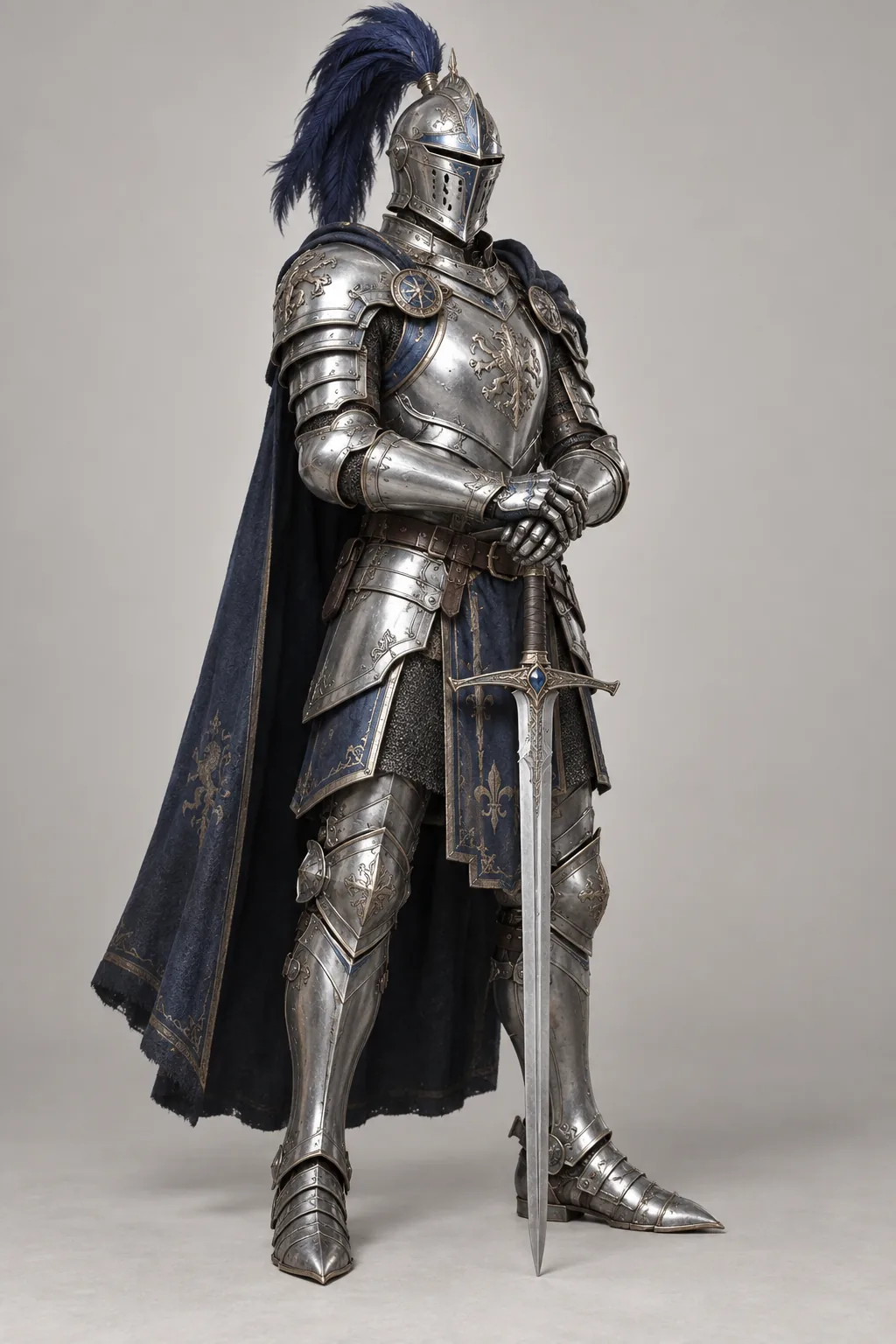
One knight illustration — silver plate, blue plume, sword point-down. Both tools got this exact file, with no text prompt on either side.
Two things, and only two: what the run log recorded for the job, and what the downloaded file weighs.
No pricing pages. No Meshy marketing claims. I didn't have published numbers for either tool on this run, so they're not in this article at all.
If a Meshy review quotes a marketing page at you, it hasn't opened the file.
Everything else you're about to read is either a value measured off the Meshy and SupaVoxel files themselves, or clearly-labelled arithmetic on top of one. I'll flag which is which as we go, and the assumptions are all listed at the end.
Why does 74 MB cost you more than you think?
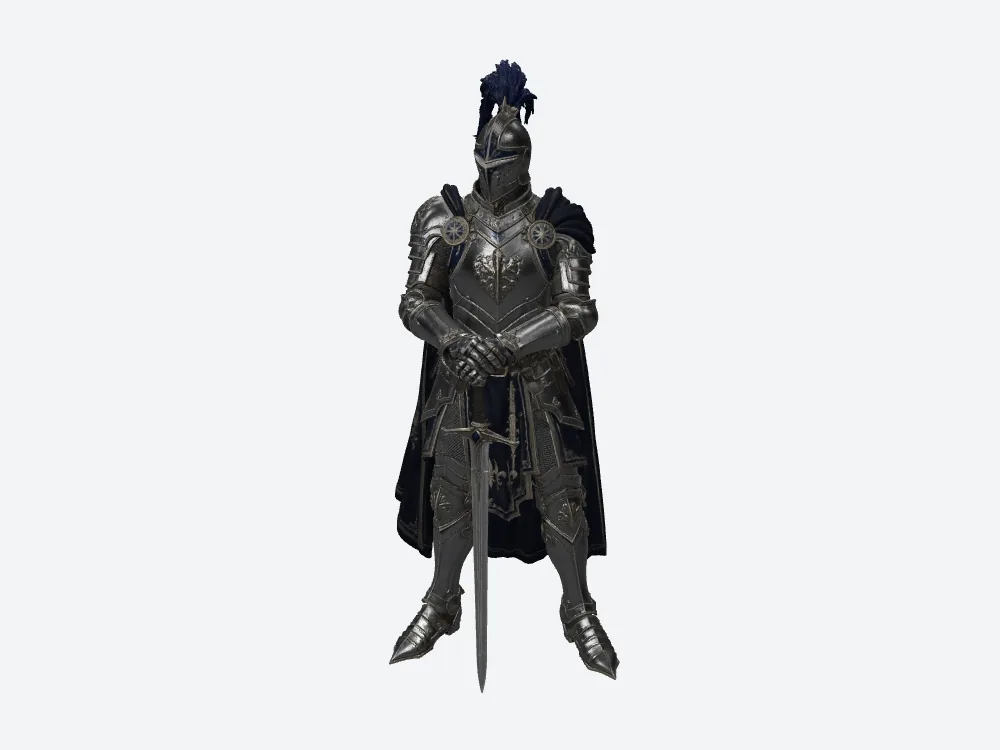
Meshy's knight at a three-quarter camera. Nothing about looking at him costs 74,160,184 bytes. The file behind him does.
Because nobody downloads a Meshy file once.
Your artist pulls it. Your engineer pulls it. CI pulls it. The build carries it. Somebody re-pulls it after a bad merge. A new hire clones the repo on their first morning.
At a steady 12 Mbps, Meshy's knight is 49.44 seconds of pure transfer. SupaVoxel's is 8.19.
That's arithmetic on the measured Meshy and SupaVoxel byte counts — bytes × 8 ÷ 12,000,000 — assuming a clean line with nothing else modelled. No handshake, no decompression, no cache. It's the floor, not the real number.
Sounds survivable, right? It is — for one file, for one person, once.
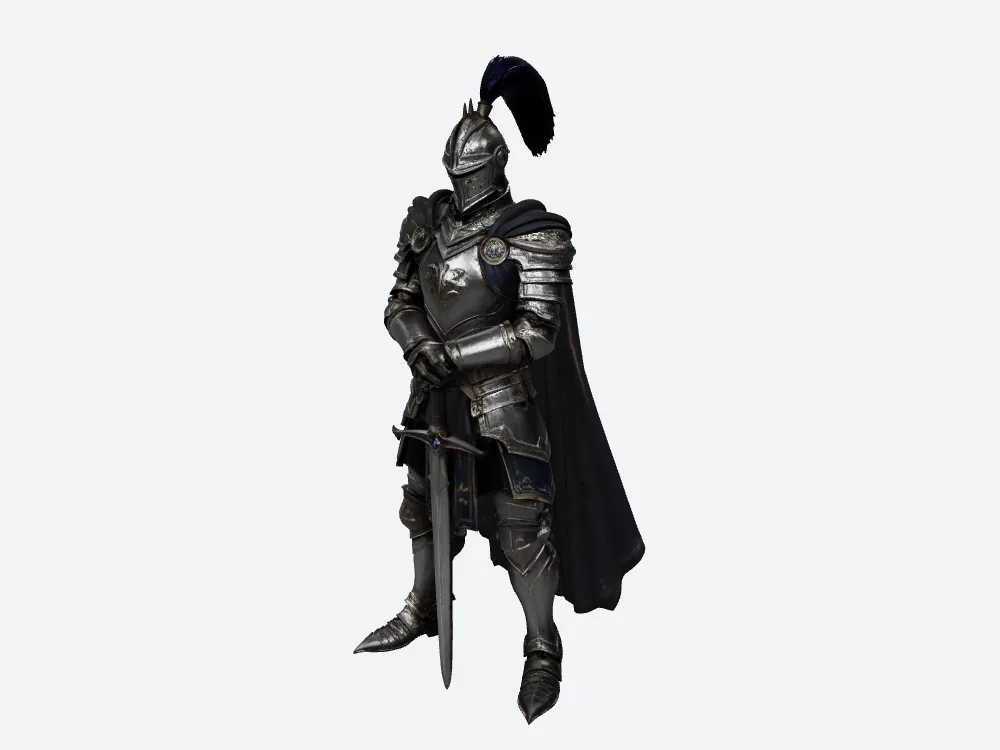
SupaVoxel at the same camera and lighting. 12,287,608 bytes, same 3 baked textures, same knight standing in the same pose.
Every asset you add multiplies that 41-second gap by another body in the room.
Does fast internet make the problem go away?
Run the same math at 100 Mbps and Meshy takes 5.93 seconds against SupaVoxel's 0.98.
Six seconds. Who cares, right?
Here's the thing — that's exactly how a Meshy-sized asset gets waved through. It's always fine on the machine where somebody tested it.
It's never fine on the laptop in the coffee shop. Or the build server pulling forty Meshy exports in a row. Or the teammate on hotel wifi the night before a demo, watching a progress bar and wondering if the build is broken.
Same caveat as before: both numbers assume a steady connection and model nothing else.
Fast internet doesn't fix a heavy file. It moves the pain to whoever has the worst connection.
What happens when you need a hundred knights?
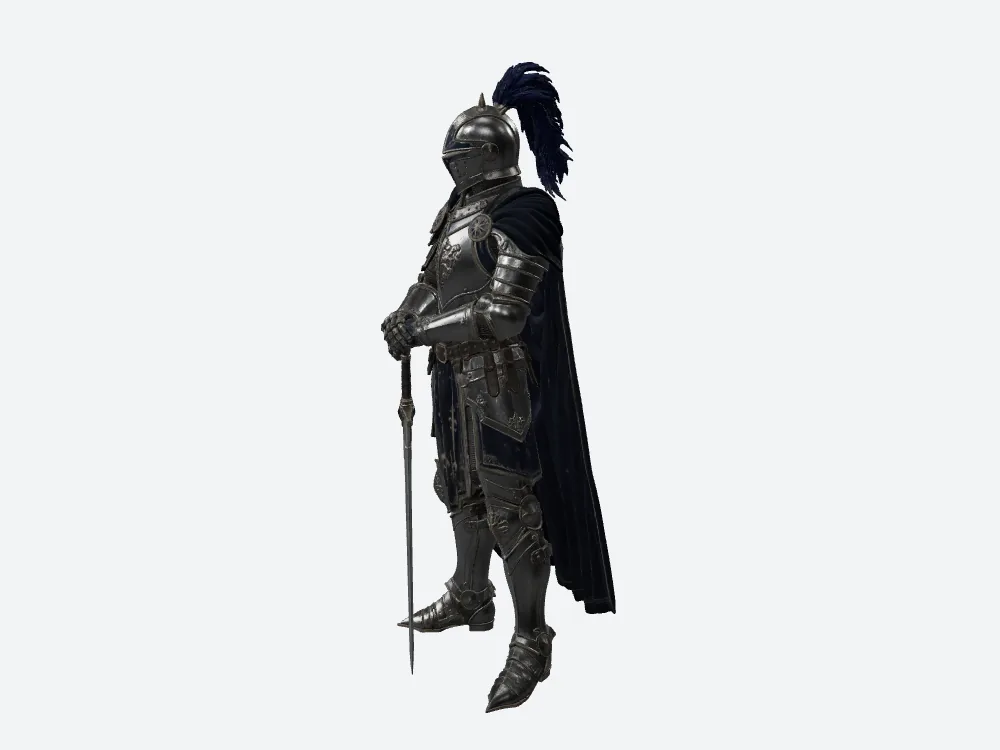
Meshy from the side. One knight, one 74,160,184-byte file. Now picture the roster.
Copy this one file a hundred times and the Meshy roster wants 7.42 GB. The SupaVoxel one wants 1.23 GB.
That's 6.19 GB of Meshy sitting on your drive, in your backups, in your repo, and in every clone anyone makes of it.
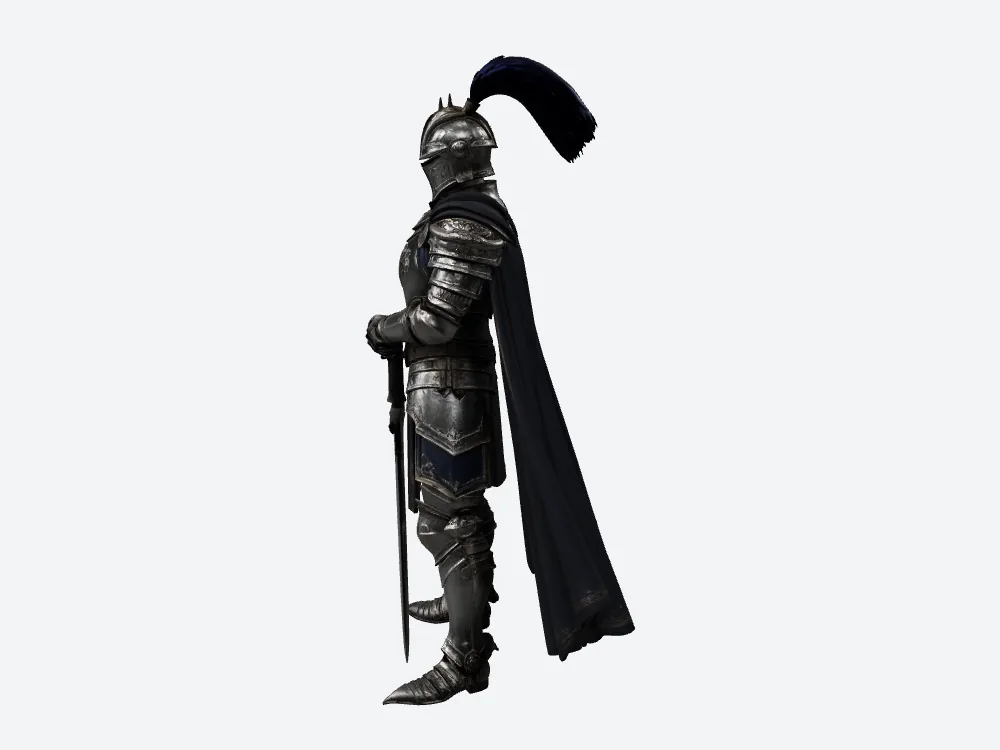
SupaVoxel from the same side camera, on the 12,287,608-byte file. Same cape, same blade, a fraction of the bytes.
To be straight with you: that's one measured file multiplied by 100. It's a capacity estimate, not a hundred real generations, and it assumes every run produces the same size and nothing fails.
Now put it somewhere real. Git repositories hate large binaries, and a Meshy export is a large binary. Asset bundles have ceilings. Mobile builds have download limits that app stores enforce whether you like it or not.
Capacity is the thing that bites you six months in, quietly, on a storage bill nobody reads.
And what does a hundred runs cost in credits?
Multiply each ledger line by a hundred and the Meshy side reads 3,500 credits while the SupaVoxel side reads 300.
Both are the same ×100 arithmetic: assume every Meshy run charges what this Meshy run charged, assume nothing fails, assume no retries.
And both live in their own product's unit. Different plans, different units, not a price ratio. I can't turn either column into money without plan prices, and I didn't have those for Meshy or SupaVoxel on this run.
So don't read those two numbers against each other. Read each against itself: whatever a hundred Meshy runs cost in Meshy credits, they still deliver a hundred files with zero skeletons in them.
What does that extra 62 MB buy you on screen?
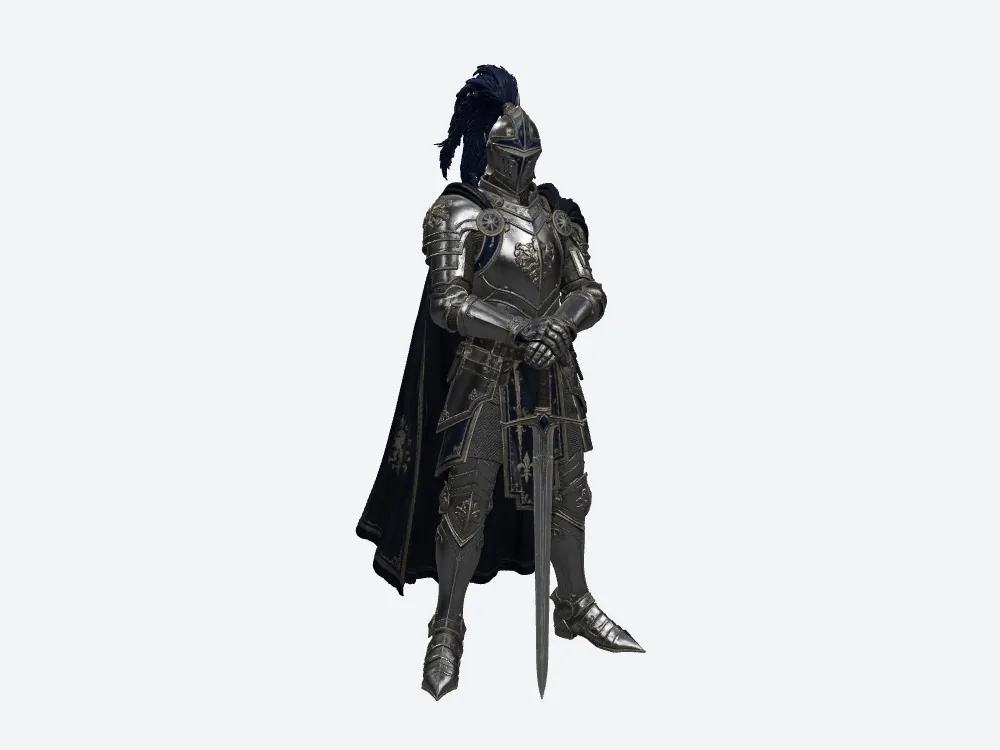
Meshy from the front. This is what 74,160,184 bytes looks like at the distance a player actually stands.
Here's the uncomfortable answer: at this distance, almost nothing.
The Meshy knight arrives whole and reads correctly. So does the other one. Put them side by side at playing distance and you'd struggle to pick the Meshy file out of a line-up.
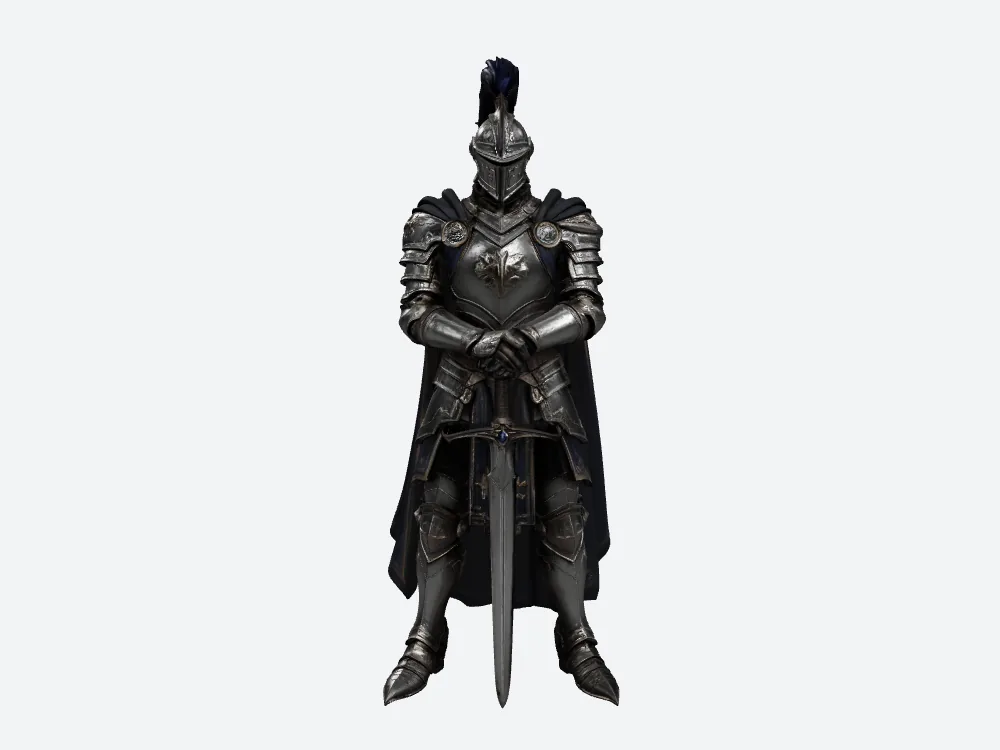
SupaVoxel from the same front camera. 12,287,608 bytes, same 3 baked textures Meshy shipped, same readable armour.
Meshy's extra 61,872,576 bytes did not buy a difference you can see from here. That's the line to take into your next budget conversation.
What does the upload step actually commit you to?
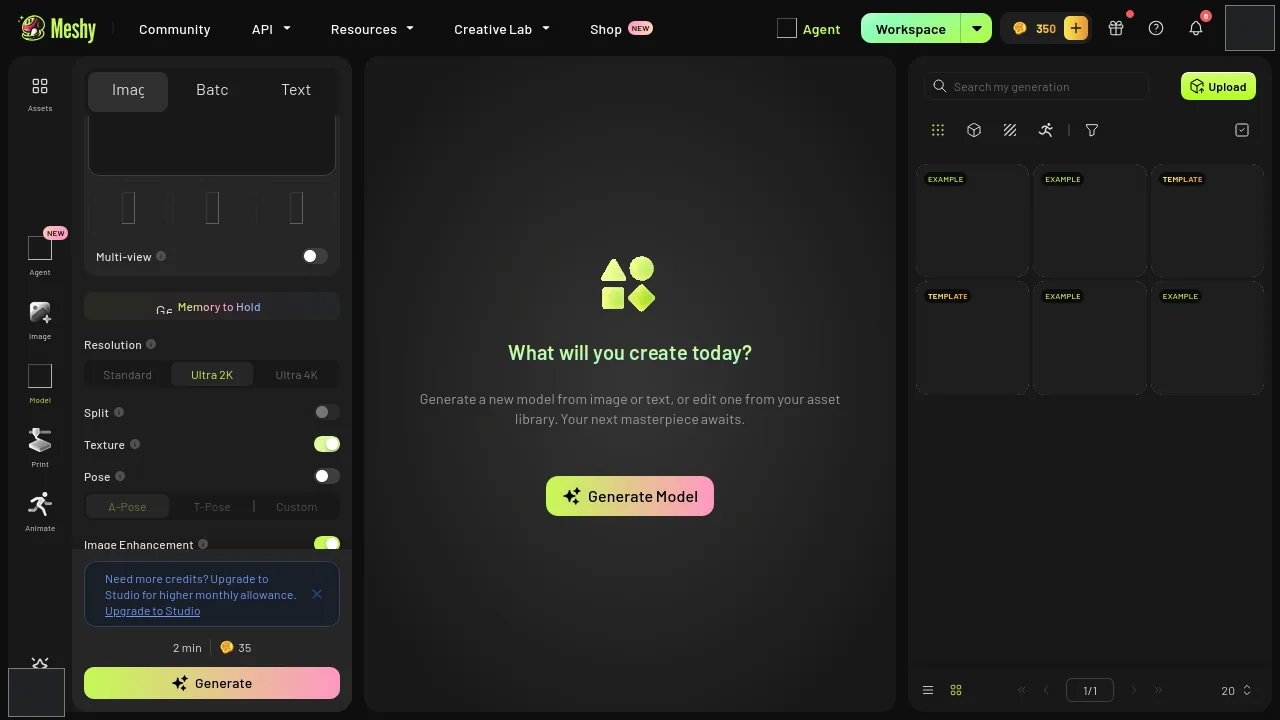
Meshy's upload and settings screen. Image to 3D, High Detail, Ultra 2K, texture generation on, image enhancement on. This is where the 35 credits got spent.
Upload the picture, pick your settings, press the button. That's the whole ceremony in Meshy, and the same in SupaVoxel — genuinely easy on both, which is exactly why nobody thinks about what happens after.
The run log shows 35 credits for this Meshy job and 3 for the SupaVoxel one.
Before anyone does the division: two different plans, two different units, and I'm not turning that into a price ratio. You can't convert one into the other, and I don't have plan prices for either.
What you can ask is what Meshy handed over for its own 35. And the answer, as you'll see in a minute, is a static mesh.
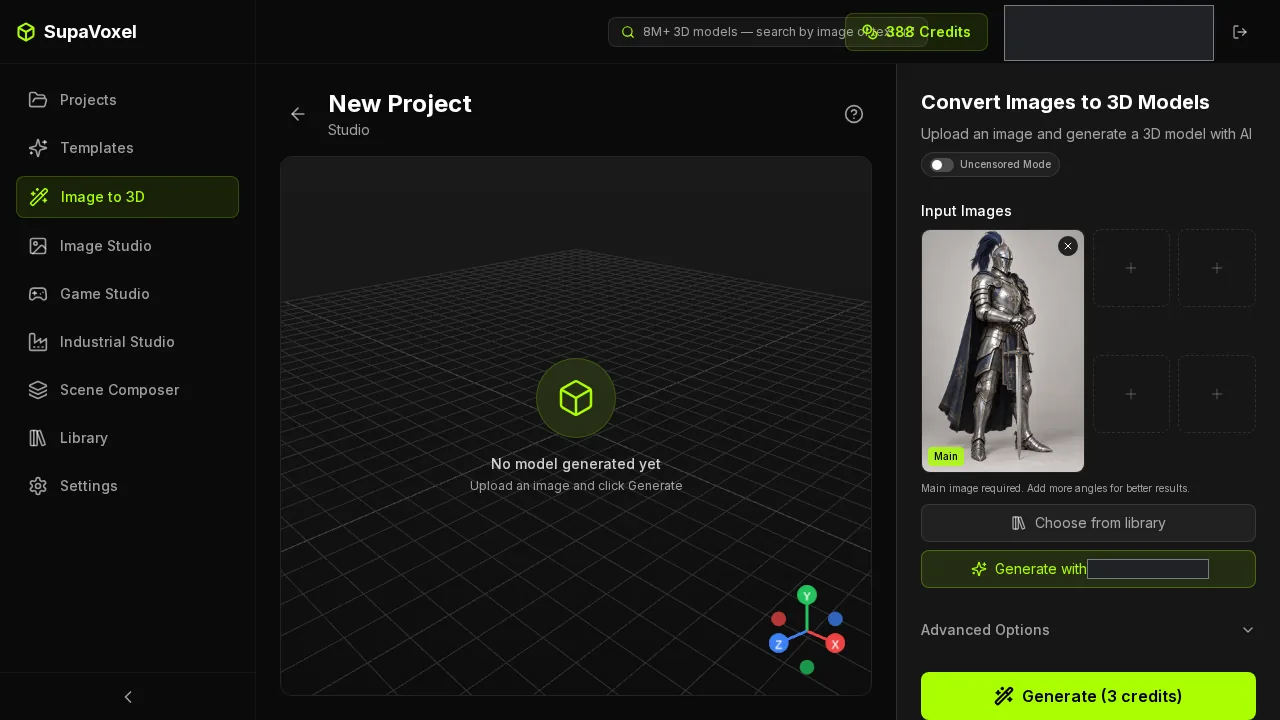
SupaVoxel's upload step, same knight, same run — the one the log recorded at 3 credits in its own currency.
How long does Meshy take? I can't tell you.
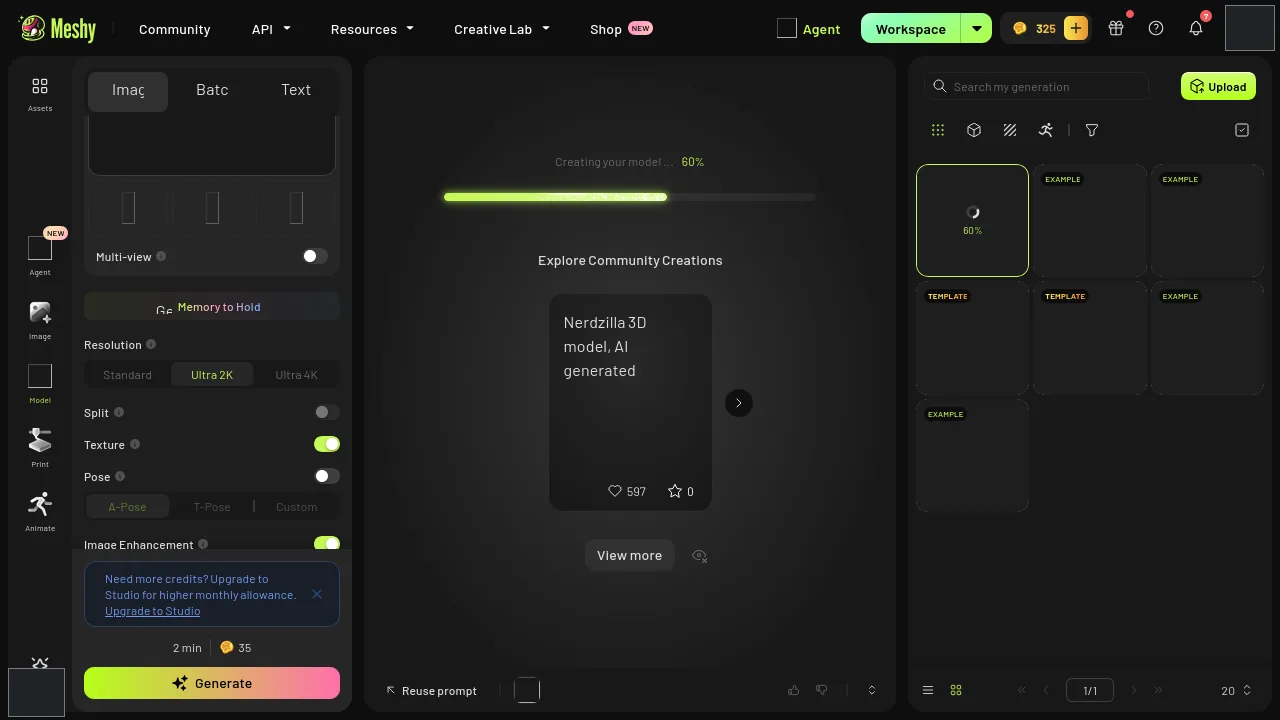
Meshy mid-generation. A progress bar proves the job ran. It isn't a duration.
SupaVoxel's run logged 261.675 seconds, start to finish, downloads not counted. Call it four and a half minutes of walking away.
Meshy's equivalent field came back empty.
So the speed section of this Meshy review is a blank. I've read enough reviews that quietly turn a missing number into a win for whoever's writing. This one stays blank.
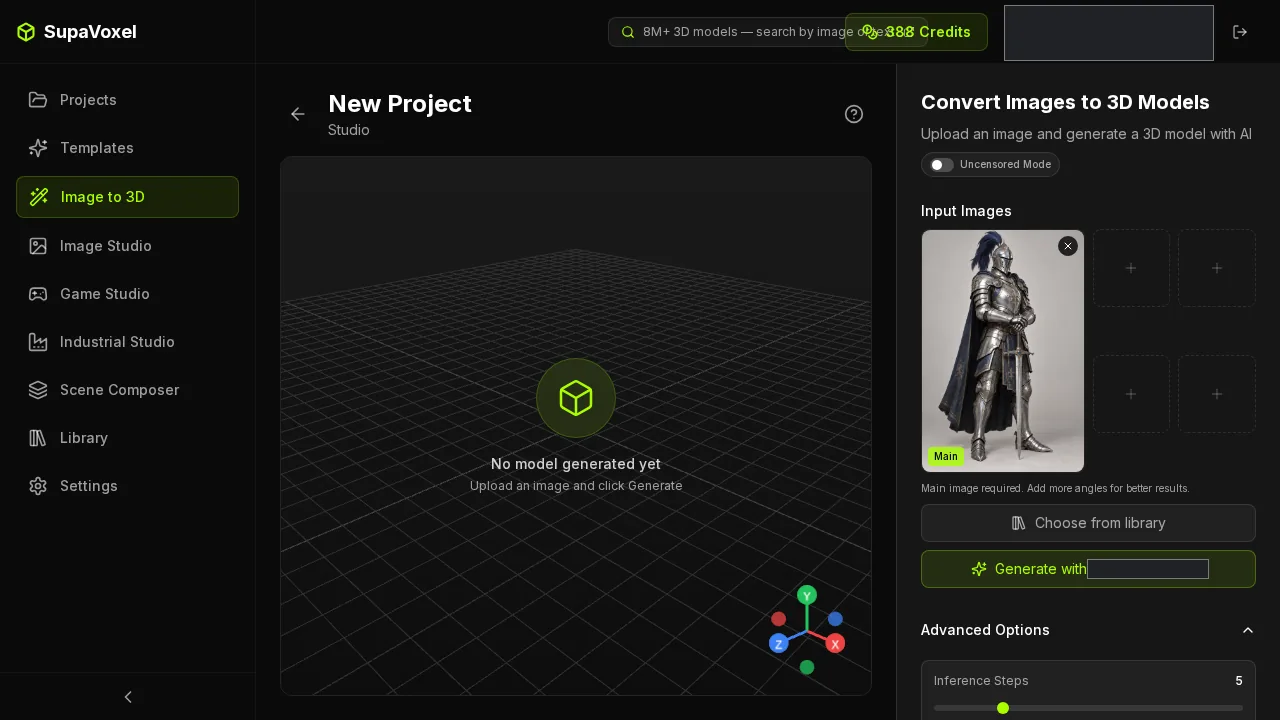
SupaVoxel's settings step — the run that clocked 261.675 seconds end to end, excluding upload and download.
What I can tell you: both tools finished on the first attempt. Zero failures each. Retry counts weren't captured on either side, so if something re-ran quietly in the background, I have no record of it — on Meshy's side or SupaVoxel's.
What did 35 credits actually buy?
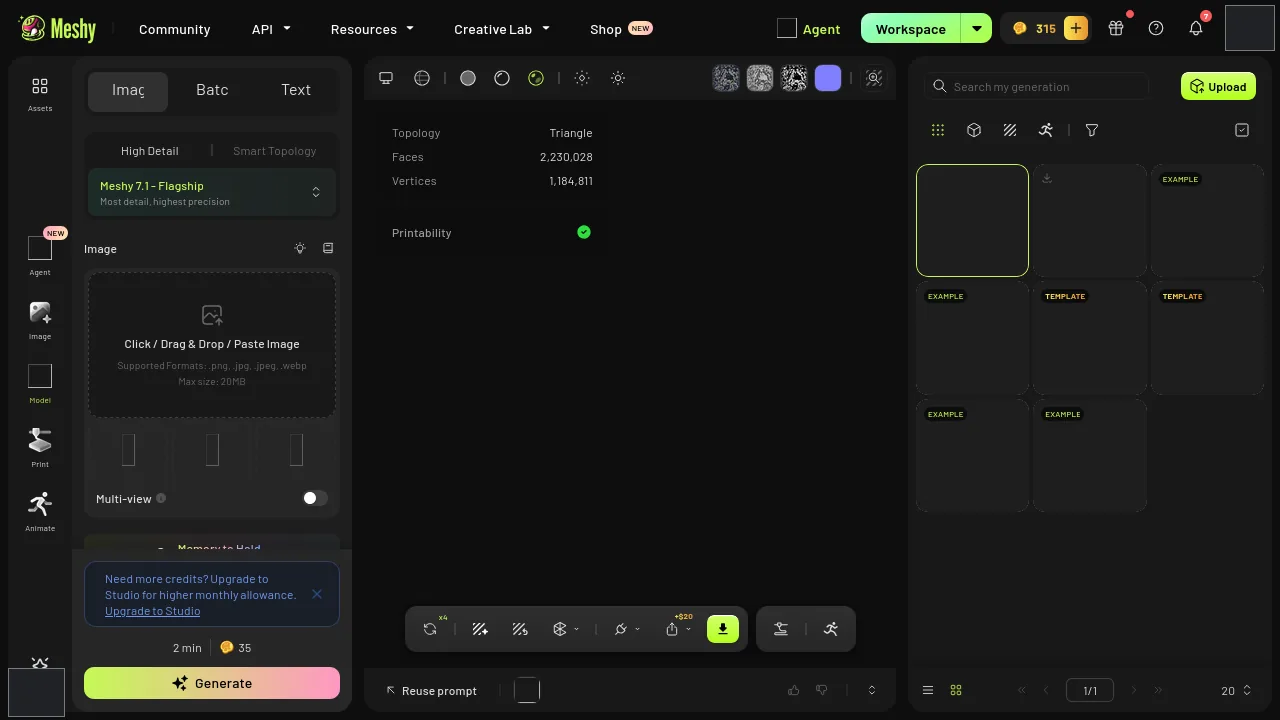
Meshy's finished knight in the result view. Crack the downloaded file open and count the lists inside: zero skeletons, zero animations.
A statue.
A skeleton is the rig that lets a character bend an elbow. Without one, your Meshy knight can stand there and that's it.
Meshy's 35 credits produced a static mesh. SupaVoxel's 3 credits produced a static mesh. Same outcome, and Meshy is the one selling a character workflow.
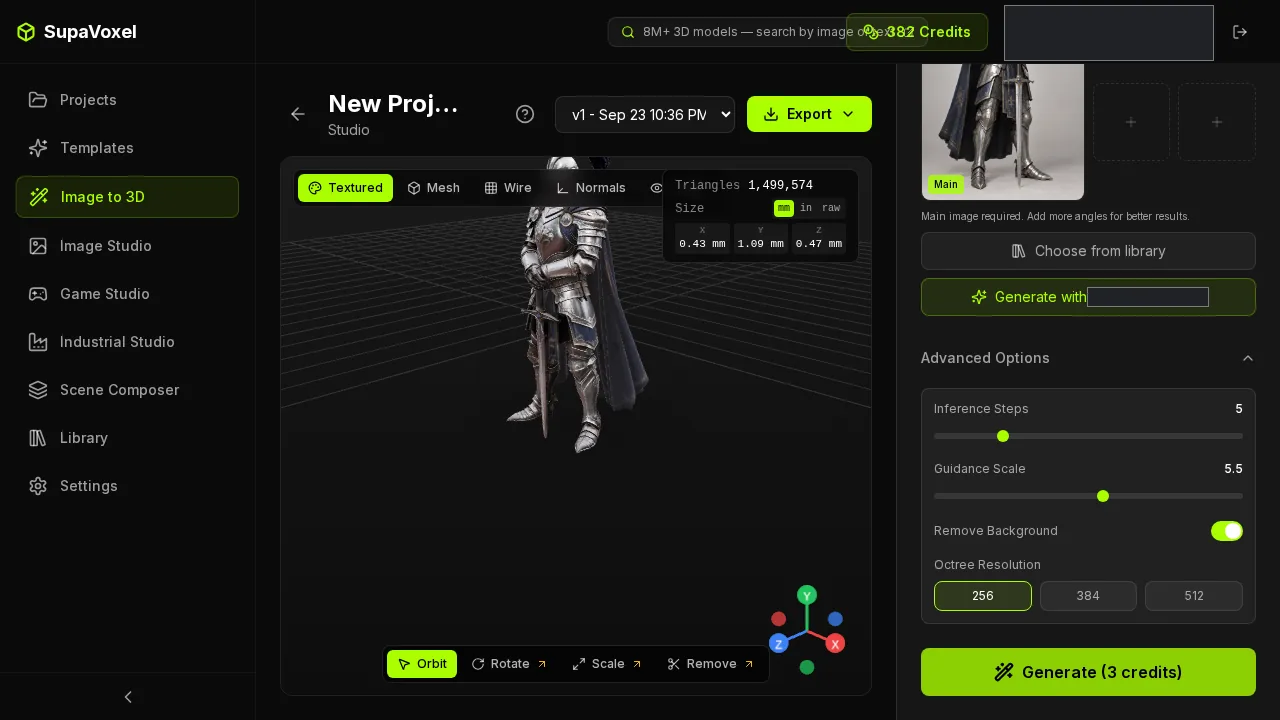
SupaVoxel's result screen, same knight, same finding: no skeleton, no animation, 12,287,608 bytes.
There's a second number hiding in here that costs you money later. The Meshy file arrives with 2,230,028 triangles and 1,184,811 vertices; the SupaVoxel one with 1,499,574 and 922,928. Rigging a denser mesh isn't harder in principle, but every weight-painting pass, every test export and every iteration runs slower on the Meshy version.
Whatever you spend, budget the rigging time on top. Neither tool is doing it for you.
One generation, two deliverables
This is the part that changes the budget maths, and I nearly skipped past it.
SupaVoxel's export menu offers a compressed GLB and a full-size GLB off the same generation. The compressed one is where every 12,287,608-byte figure in this article comes from.
One run, two deliverables. Shipping over a network, or loading six knights on a character-select screen? Take the compressed GLB. Handing the asset to an importer that wants the plainest possible file? Take the full-size export instead — same generation, no re-run, no conversion tool, no extra credits.
The full-size version is the complete uncompressed deliverable, so naturally it weighs more than the compressed one. That's not a flaw, that's the trade you're choosing per destination. And when you want light, the light one is already sitting in the same menu.
Meshy handed me one file and left me to make it fit. SupaVoxel let me pick the right file for where it was going.
Where Meshy actually wins
There's one, and it's worth real money to some of you.
The Meshy file opens anywhere — its list of required extensions is empty. The compressed SupaVoxel file asks for EXT_meshopt_compression and KHR_mesh_quantization: a scheme that makes the geometry much smaller, but only unpacks if your importer knows the trick. Switch to the full-size SupaVoxel export and no decoder is needed.
Being precise, because this is Meshy's section: I read those requirement flags out of both downloaded files. I did not test either file in a real importer. The flags are measured; the import outcome isn't.
So take the narrow case seriously — an importer with no meshopt support, loading each tool's main file with no conversion. Meshy's goes straight in, no questions. That's a real advantage, and it's exactly the scenario the two-export menu above exists for.
The trade, stated as a trade: Meshy's one heavy file costs you 61,872,576 bytes per knight, 41 seconds of transfer per pull, and 6.19 GB across a roster of a hundred.
One more thing SupaVoxel makes you live with
The file-size gap isn't pure wizardry — Meshy and SupaVoxel compress differently, so you're comparing two export setups, not two compression engines. Every SupaVoxel number in this article is the compressed export; I didn't separately weigh the full-size one.
So what do you actually do on Monday?
- You're picking on file weight alone — SupaVoxel. 12,287,608 bytes against 74,160,184, measured this run.
- You're picking on price — you can't, not from this data. 35 credits and 3 credits are two different units on two different plans.
- You need production-ready — neither, yet. One image and one run doesn't cover rigging, topology, target hardware or failure rates, and the Meshy and SupaVoxel files both arrived with zero skeletons.
- Your importer can't handle meshopt — Meshy's main file goes in untouched; on the SupaVoxel side you take the full-size export from the same menu.
Final verdict: Meshy scores 57/100 for this job
On everything I could weigh, Meshy is the expensive option: 74,160,184 bytes against 12,287,608, 49.44 seconds against 8.19 on a 12 Mbps line, 7.42 GB against 1.23 at a hundred copies.
Meshy banks genuine points for finishing clean with zero failures, and for the import path that needs nothing special. Meshy banks nothing on speed, because its clock never got recorded and I'm not filling that in for it.
Use SupaVoxel for this job
If the knight has to be paid for once, stored a hundred times, and pulled by everyone who opens the build, the numbers from this run point away from Meshy: 12,287,608 bytes, 3 baked textures, zero failures, a 261.675-second window — and a full-size export in the same menu for whatever your importer prefers.
Then go do the real test. Take your own concept art, run it through SupaVoxel, and weigh what lands in your downloads folder.
How I tested this
One knight illustration, one generation per tool, one download each. This is one image and one run on each side — not a lab study. Don't read it as a cost ranking for either tool in general.
The Meshy and SupaVoxel submissions got the identical picture with no text prompt typed in. Meshy's recorded configuration: Image to 3D, High Detail, Ultra 2K, texture generation on, image enhancement on. Both exports were taken as GLB.
Measured, from the run log and the downloaded files: credits recorded (35 and 3, in their own units), file bytes, embedded texture count (3 each), export format, triangles and vertices, zero skeletons and zero animations on both sides, 0 failures each, and SupaVoxel's 261.675-second generation window.
Arithmetic, not measured, with the assumption spelled out each time: download times assume a steady 12 Mbps or 100 Mbps and model nothing else — no handshake, no decode, no caching. The hundred-knight storage figures are one measured file multiplied by 100, a capacity estimate rather than a hundred real generations. The hundred-run credit figures — 3,500 and 300 — are the same multiplication, still in two units that don't convert into each other or into money.
Not captured at all: Meshy's generation time, retry counts on both sides, and published Meshy or SupaVoxel pricing. Blank is blank.
Originally published on Medium: Meshy AI 3D Generator Review 2026: 74.16 MB for One Knight GLB.